Blog

Technical notes about Linux, WordPress, servers, security, automation and production maintenance.

Fail2Ban: How to Detect Repeat Offenders and Ban Them for a Week (Recidive)

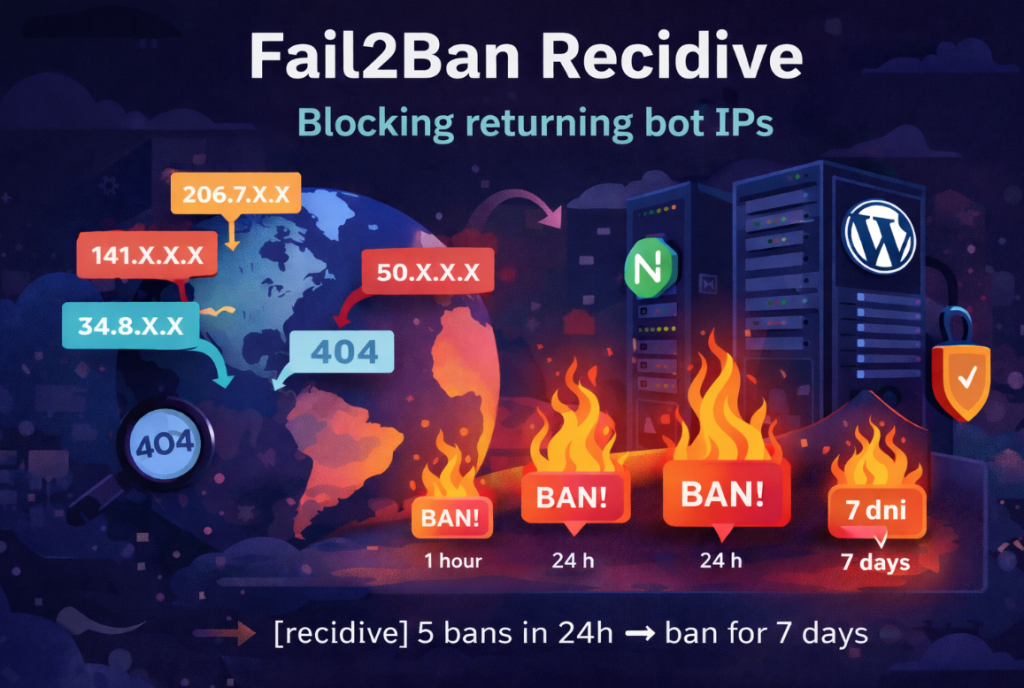
If you use Fail2Ban with Nginx and WordPress, sooner or later you’ll notice one thing: the same IP addresses keep coming back. They get banned for a few minutes or an hour, disappear… and shortly after try again /.env, /wp-login.php, /phpmyadmin, or other common attack paths. The solution is not to aggressively tighten the filters. […]

Debian 13 (Trixie) → Proxmox VE 9 – Simplified Installation on Pure Debian

Proxmox VE 9 is based on Debian 13 (Trixie) and introduces a newer kernel, updated LXC, QEMU and improved virtualization stack. This guide presents a simplified and automated method to install Proxmox VE 9 on a clean Debian 13 system using two installation scripts. The method follows the same approach as my previous Proxmox 8 […]

Fail2Ban Nginx Setup – Block Scanners and Exploits Without Blocking WordPress Admin

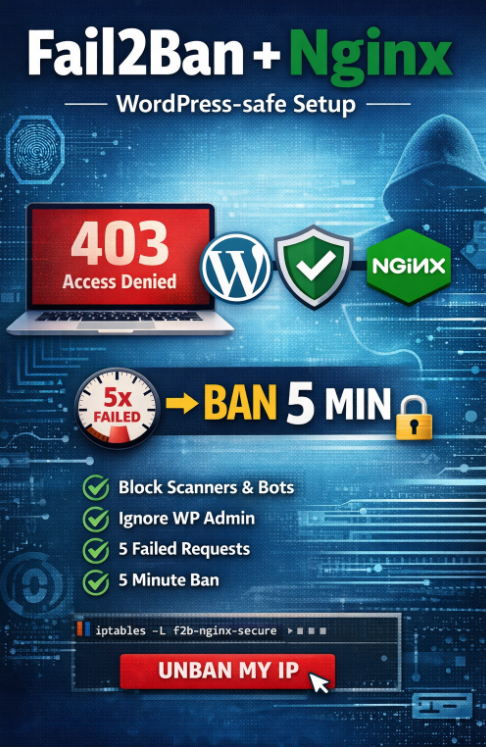
This guide shows a complete Fail2Ban installation and configuration for Nginx, designed to: block real scanners and exploit attempts (e.g. requests to /.env, /.git, /phpmyadmin, etc.), avoid blocking administrators by accident (common issue when banning only by HTTP errors), ban IP addresses after repeated suspicious activity, use a short ban time (5 minutes) to reduce […]

Automatic upgrade Debian 12 → Debian 13 with optional PHP and nginx update

Upgrading Debian from version 12 (bookworm) to 13 (trixie) is an operation that should be performed in a repeatable and predictable way, especially on servers and containers (for example Proxmox LXC or virtual machines). Below you will find a simple guide and ready-to-use commands to download and run the upgrade script. Before running the upgrade: […]

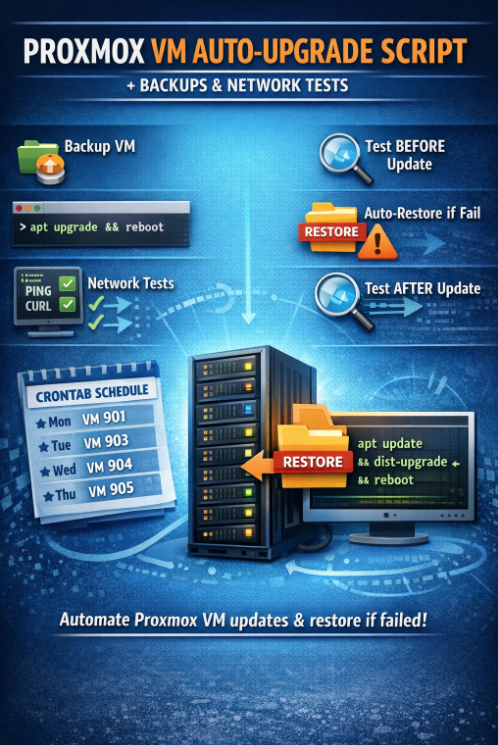
Proxmox VM Auto-Upgrade Script (qm + vzdump) with Network Tests and Auto-Restore

Proxmox VM Auto-Upgrade Script (qm + vzdump) with Network Tests and Auto-Restore This article describes a simple (but effective) automation script for Proxmox VE that: Where to download the script You can download the script directly from my website: soban.pl/bash/upgrade_proxmox_qm.sh Required folders Before you run anything, create two folders for scripts and logs: Install the […]

How to Upgrade Proxmox VE 8.x to 9.0 (Debian 12 to Debian 13) – Step-by-Step with Script

Introduction Proxmox VE 9.0 (based on Debian 13 “Trixie”) has been released, and it brings updated packages, a new kernel, and improved stability. This guide will walk you through the in-place upgrade from Proxmox VE 8.4.x (Debian 12 “Bookworm”) to Proxmox VE 9.0. The process will be automated using a ready-made upgrade script that: Download […]

Dynamic Tmux Window Titles with SSH and Hostname

Want your Tmux window titles to automatically show the hostname you connect to via SSH — and restore the local name after you disconnect? This guide will walk you through setting that up step by step. 1. Tmux configuration – ~/.tmux.conf In your Tmux configuration file, set the default shell command to a custom Bash […]

The most important Linux commands that every user should know

The Linux system is a powerful tool that offers users tremendous flexibility and control over their working environment. However, to fully harness its potential, it is worth knowing the key commands that are essential for both beginners and advanced users. In this article, we will present and discuss the most important Linux commands that every […]